Description
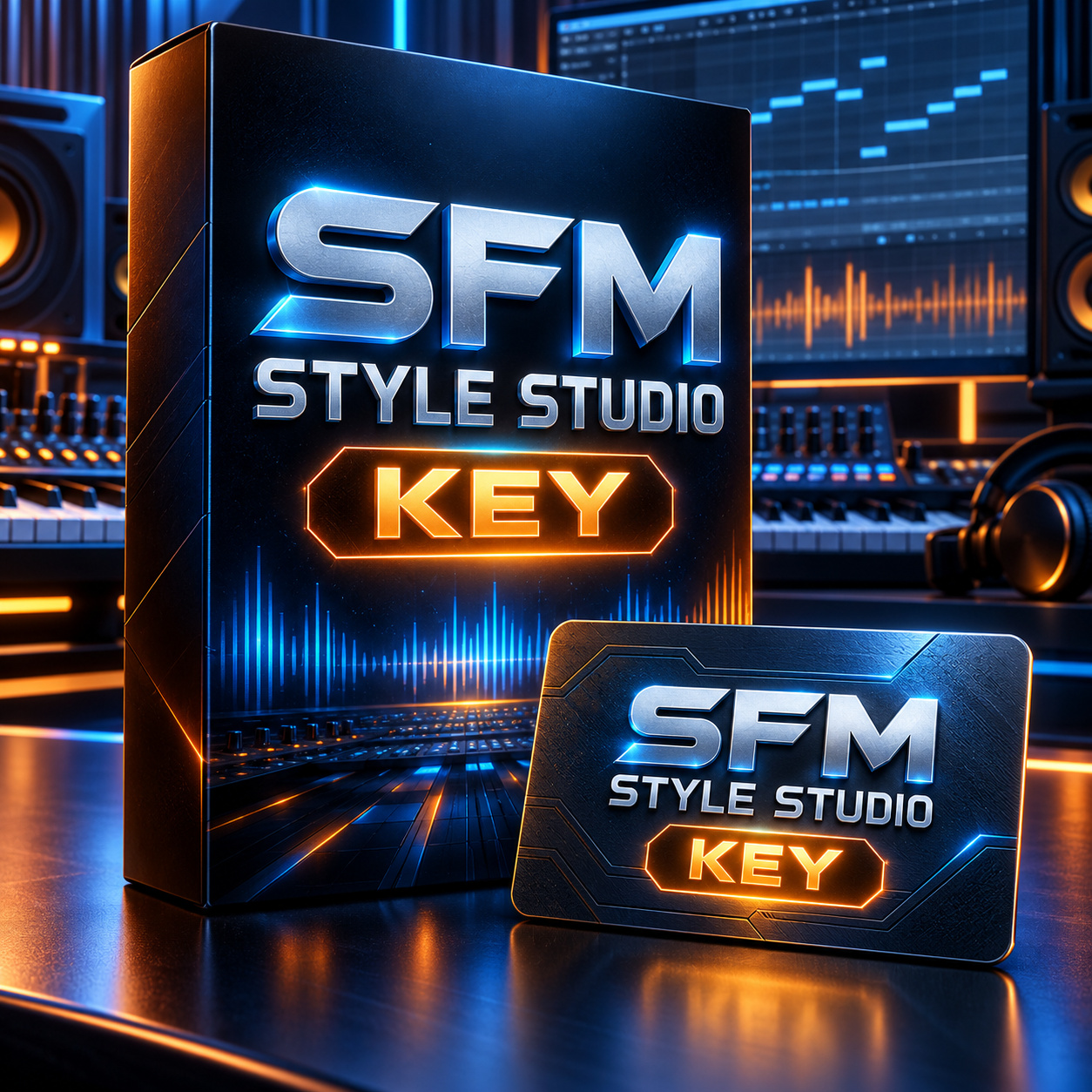
SFM Style Studio — Lifetime License
One-Time Payment: $199 for either the Windows or Mac option. Select your platform from the dropdown before adding the license to your cart. Each license is for 1 computer.
Mac: SFM Style Studio 2.0.55 Universal requires macOS 13 or later and supports both Intel and Apple Silicon Macs with the same installer. Choose the Mac option for either Mac type; no separate Intel or Apple Silicon key is needed.
Purchase SFM Style Studio once and use your licensed version forever. There are no monthly or yearly subscription fees.
Your license includes free bug fixes and minor updates within the major version you purchased. For example, if you purchase Version 1, updates such as V1.1, V1.2, V1.5, and V1.9 are free.
When a new major version is released, such as V2 or V3, it may be offered as an optional paid upgrade. Major upgrades are expected to include significant new features, tools, or major improvements.
You are never required to upgrade. If you choose not to purchase a future major version, your current licensed version will remain yours to use permanently.
License includes
- Lifetime use of the major version you purchased
- Activation for 1 computer
- No monthly subscription
- No yearly subscription
- Free bug fixes
- Free minor updates within your purchased major version
- Future major versions available as optional paid upgrades
- Your current version does not expire if you choose not to upgrade
SFM Style Studio editing tools
Create, edit and refine Yamaha accompaniment Style files on Windows or Mac. Open Yamaha .STY files, continue .sfmstyle projects, edit or record MIDI phrases, audition through a connected Yamaha keyboard and export Styles for testing.
- Edit note pitch, timing, duration and velocity in the Piano Roll.
- Use Grid, Snap, Quantize, phrase-length tools, Beat Repeat and Drum Roll.
- Work with Intro I-III, Main A-D, Fill A-D, Break and Ending I-III sections.
- Use Rhy1, Rhy2, Bass, Chord1, Chord2, Pad, Phrase1 and Phrase2 Parts.
- Control supported Volume, Expression, Sustain, Reverb, Chorus, Filter and Part EQ settings.
- Export Yamaha Style files with post-export verification.
Compatible Yamaha keyboards
SFM Style Studio supports Yamaha Style workflows for the Yamaha PSR-S series, PSR-SX series, Tyros 1-5 and Genos 1-2. Compatibility depends on the Style format and each keyboard model, so test exported files on your instrument.
MIDI and Audio connection
Connect your Yamaha keyboard to your Windows or Mac computer by USB-MIDI or a suitable MIDI interface. Select the correct MIDI input and output in SFM Style Studio, then use the connected keyboard to audition Parts and sections. To hear or record keyboard sound through the computer, connect the keyboard audio outputs or USB Audio to an audio interface or supported audio input.
Important: SFM Style Studio is a MIDI and Style editor, not an audio-recording workstation or software synthesizer. Live audition sound is generated by the connected Yamaha instrument.
Key delivery
After payment, your lifetime activation key will be sent to the email address used for your order.
Free 7-day trial
Try before purchasing: Download SFM Style Studio for Windows or Mac. A free 7-day trial is available for eligible devices. Reinstalling does not restart a trial.
Read the complete SFM Style Studio guide for screenshots, detailed instructions and tutorial videos.
Important license notice
Lifetime License means lifetime use of the version you purchased. It does not mean that all future major versions are included for free.
$199 — Pay Once. Own Your Version. Use It Forever.
For more details, please contact:
Email: contact.styleformusician@gmail.com
Hotline / WhatsApp / Viber / Telegram: +84 919 282 175
Or chat with us directly on our website.
Thanks
SFM-1989


Reviews
There are no reviews yet.